Start with free practice tools. Go further with Pro.
Real screens. Your next practice session.
Your own music filesAudio processed on your deviceNo AudioShift account needed
A better practice sessionFree
Less rewinding. More playing.
Bring a song from Files or a music folder. Make it easier to learn, one phrase at a time.
Find your pace
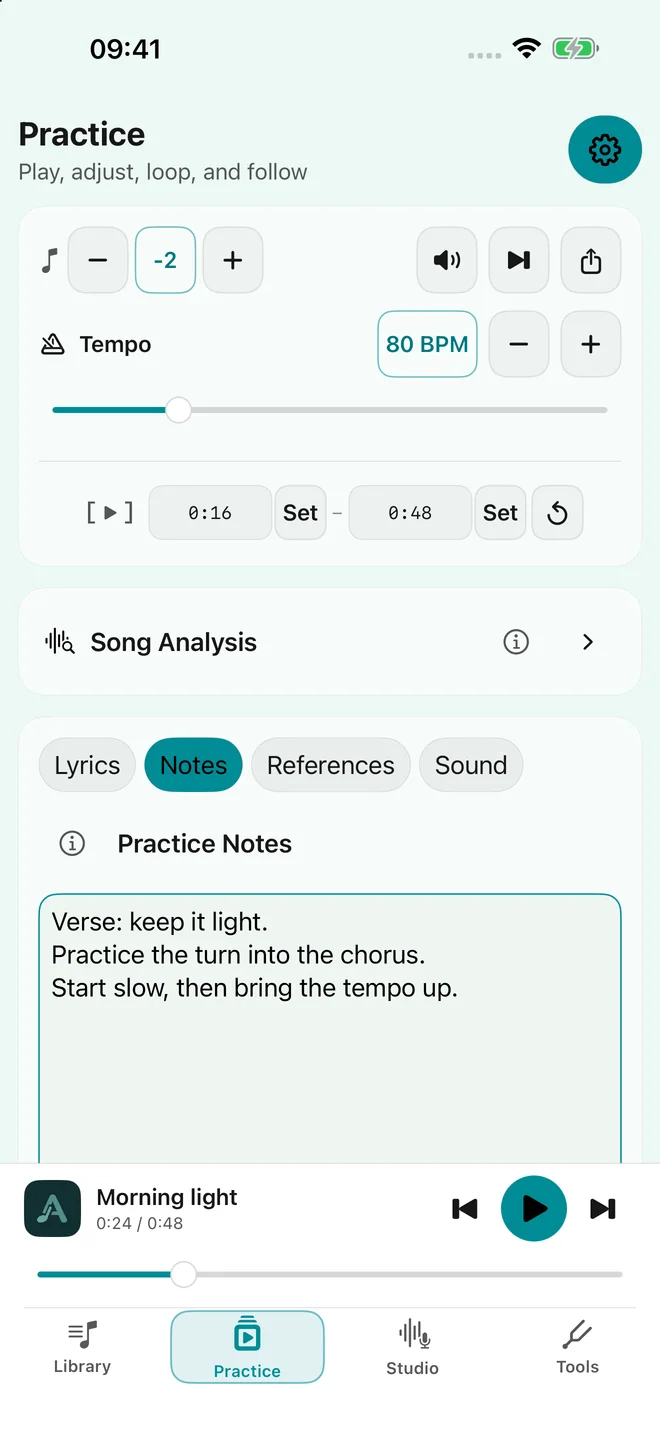
Slow down or speed up without changing pitch. Shift the key to suit your voice or instrument.
Stay with the tricky part
Choose a passage and repeat it. Keep your practice notes and reference images with the song.
Hear it your way
Shape the sound with an eight-band equalizer. Keep a tuner, metronome and reference piano close by.
A place for the next takeStudio
From “what if” to “play that again”.
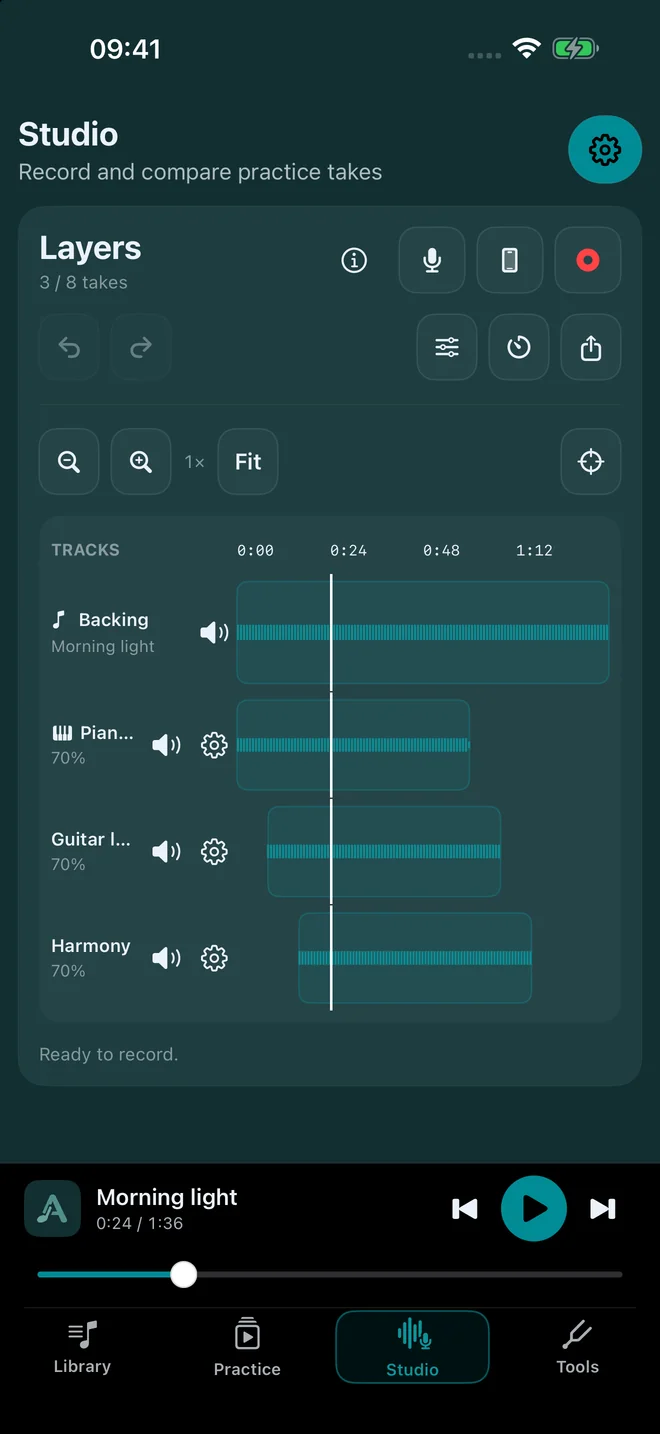
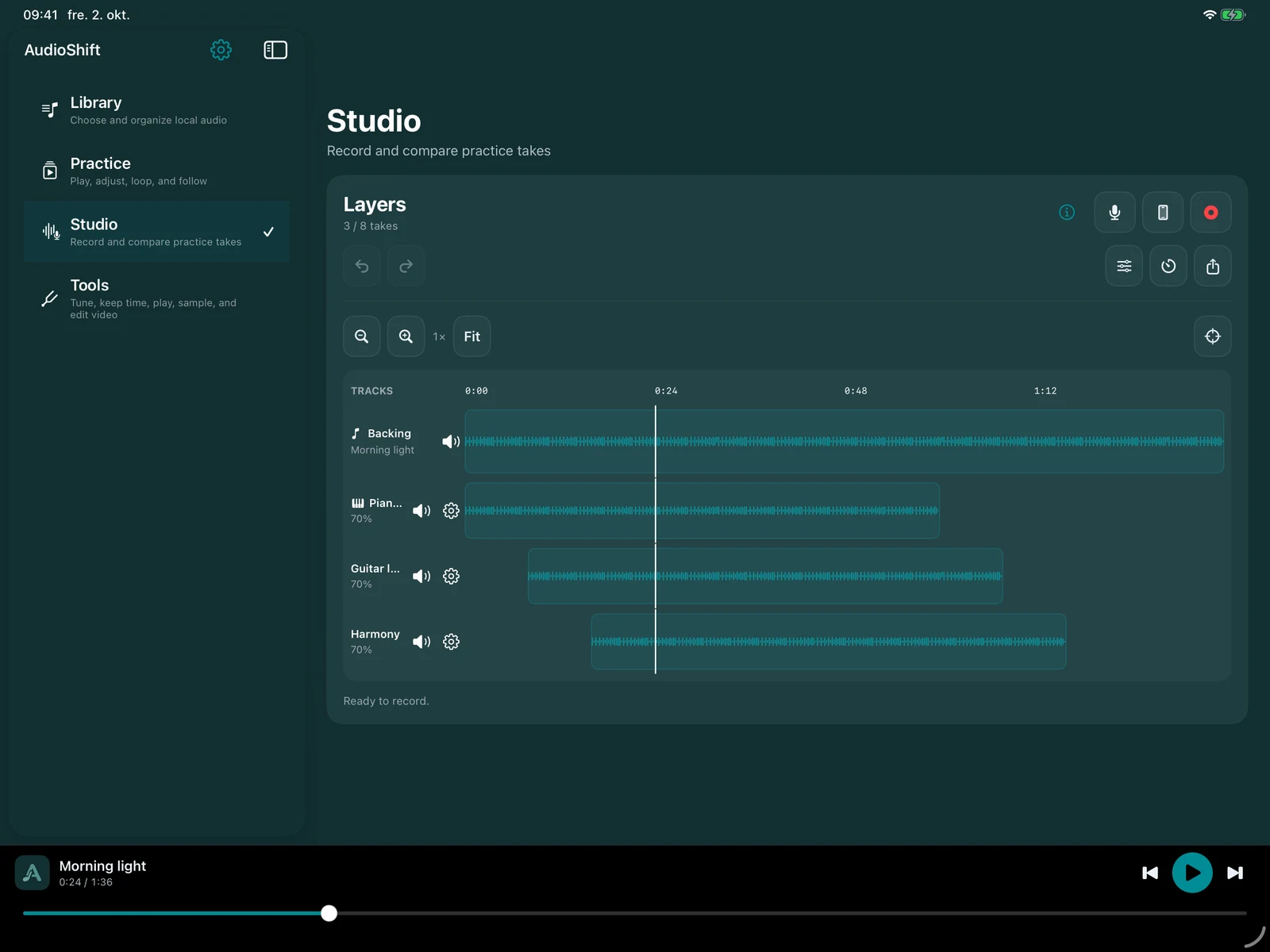
Build on your backing track with vocals, an instrument or MIDI. Hear your ideas together, then keep the mix you like.
Record your way
Use the device microphone or a compatible audio interface. Pro also adds MIDI recording and instrument imports.
Make room for each idea
Layer up to eight takes per song. Compare parts with mute and solo; Pro adds more editing and arrangement controls.
Take the mix with you
Export processed audio with the takes you want to hear. With Pro, export just a selected passage too.
Already own the earlier paid app? Legacy includes audio-take recording and full-song audio export. MIDI recording requires Pro.
An instrument only you could makePro
Start with a sound. Make it playable.
A voice, a chord, a small everyday sound. Record or import it, give it a place on the keyboard, and see where it takes you.
Map your sounds
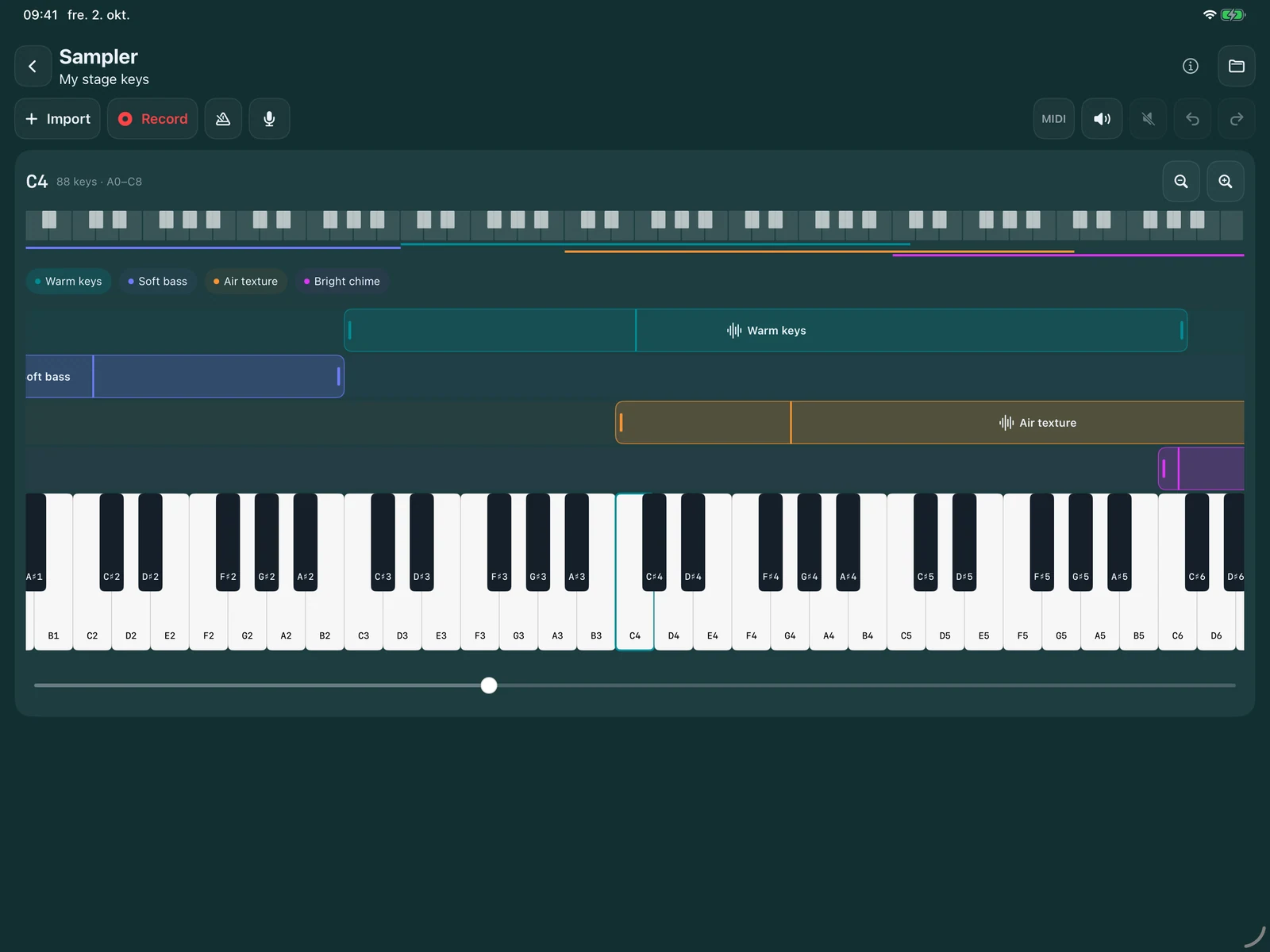
Place samples across 88 keys. Set the root note and playing range, then build layers and splits.
Make them yours
Trim the part you use and adjust each layer. Import supported instrument files alongside your audio.
Play your instrument
Open Play mode, connect a compatible MIDI controller, and switch saved groups. Make it available in Studio too.
A few more things, all in one place
Ready when you are.
Useful companions for learning a song, preparing a rehearsal, or sharing something you made.
Pro / Legacy
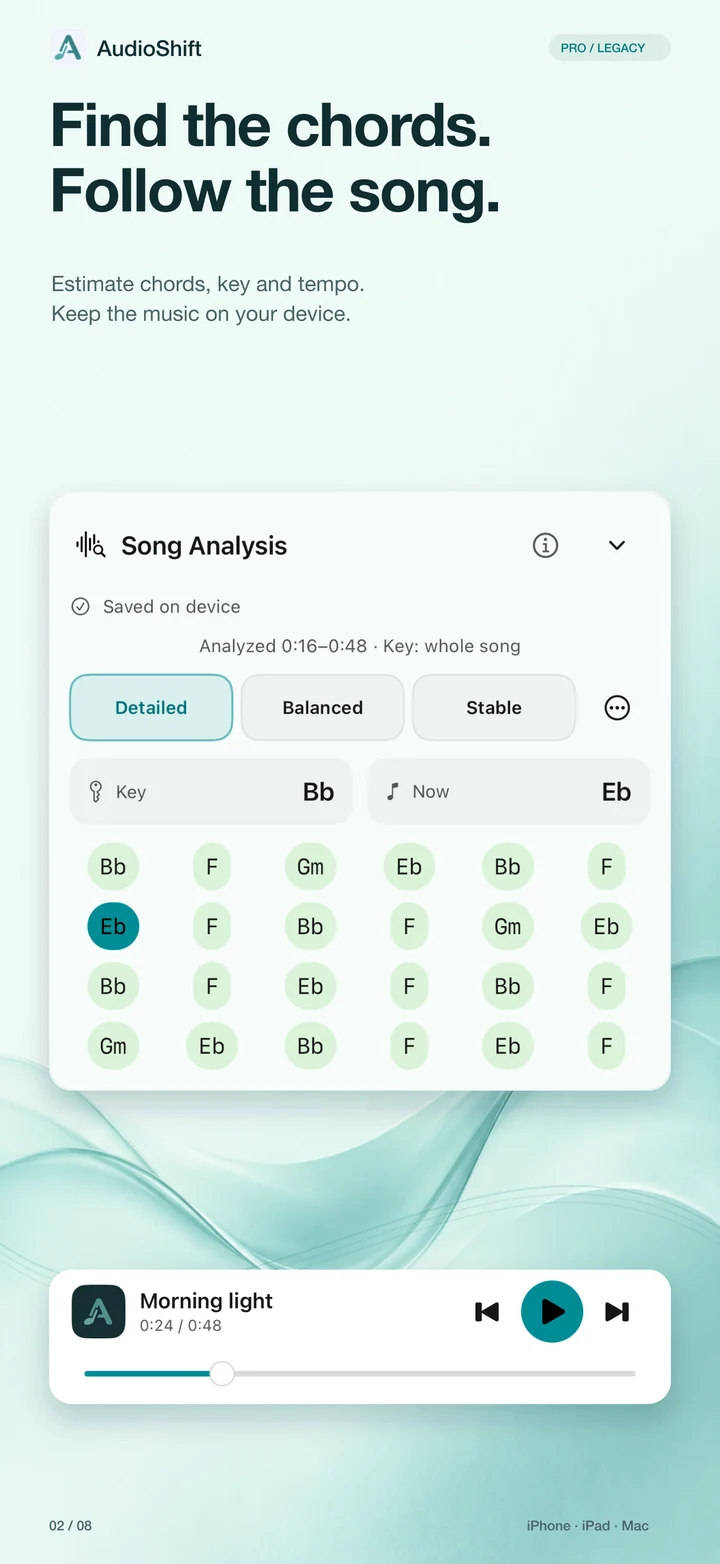
Song analysis
Estimate tempo, key and chords to find a starting point for your ears.
Pro
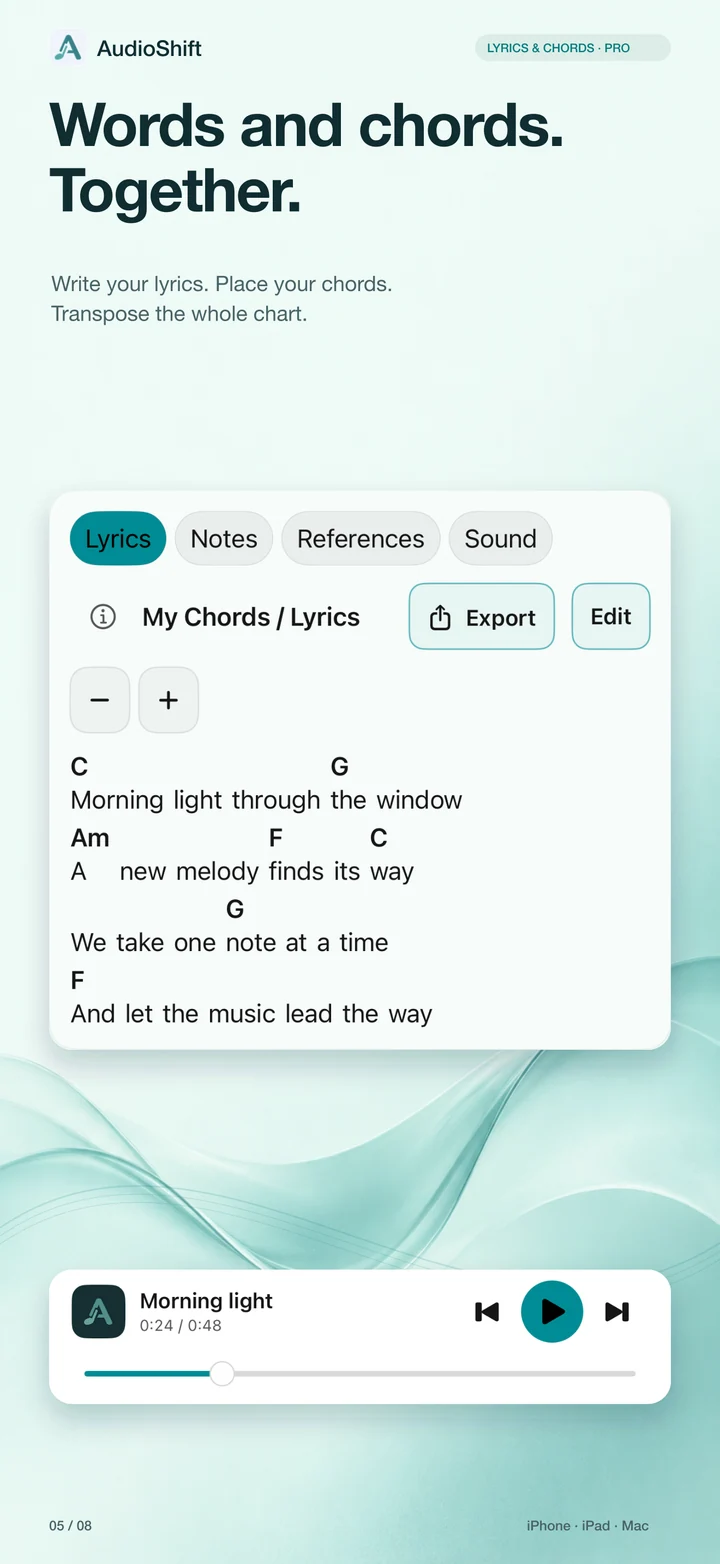
Lyrics & chords
Keep lyrics and chord changes together, and export a readable song sheet.
Pro
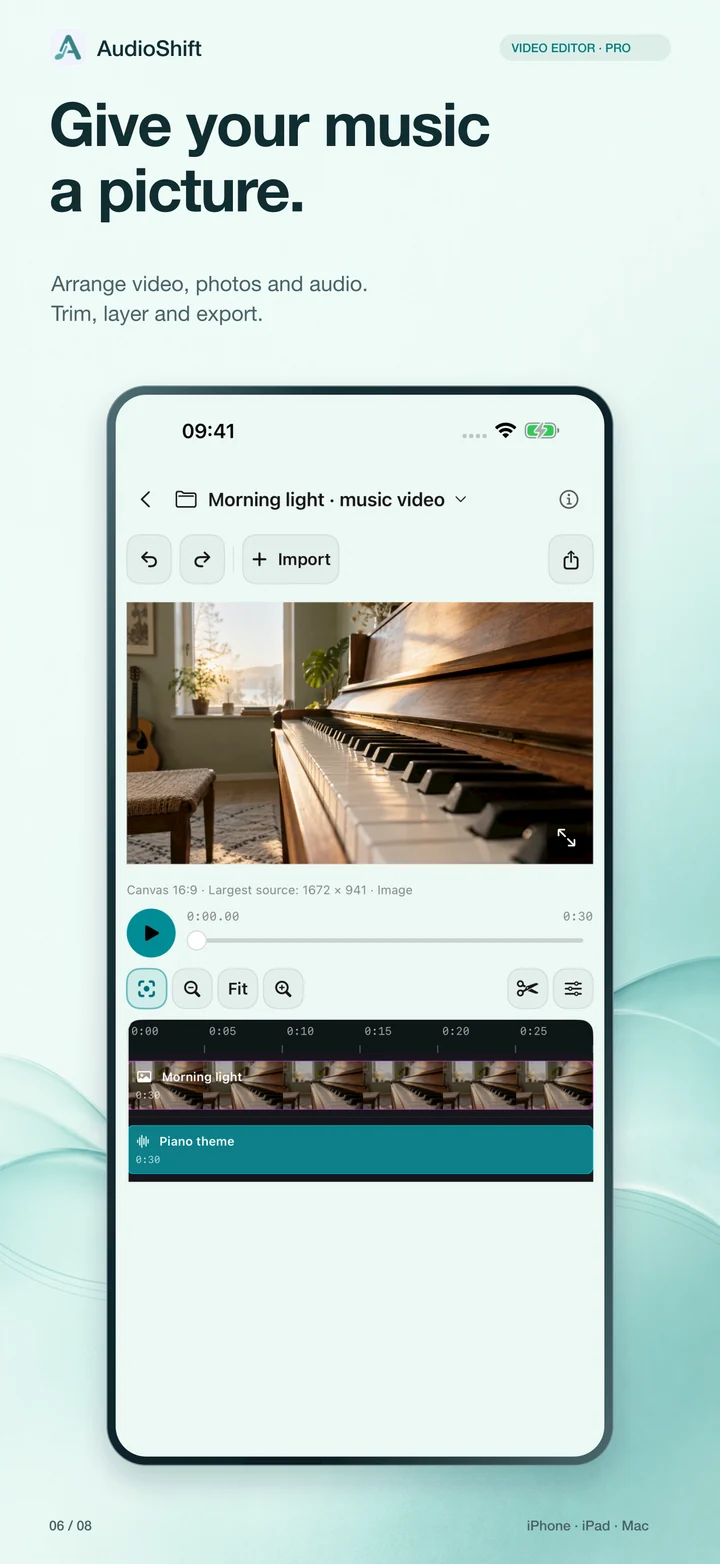
Video editor
Arrange your own video, photos and audio. Trim, split and export a new video.
Free
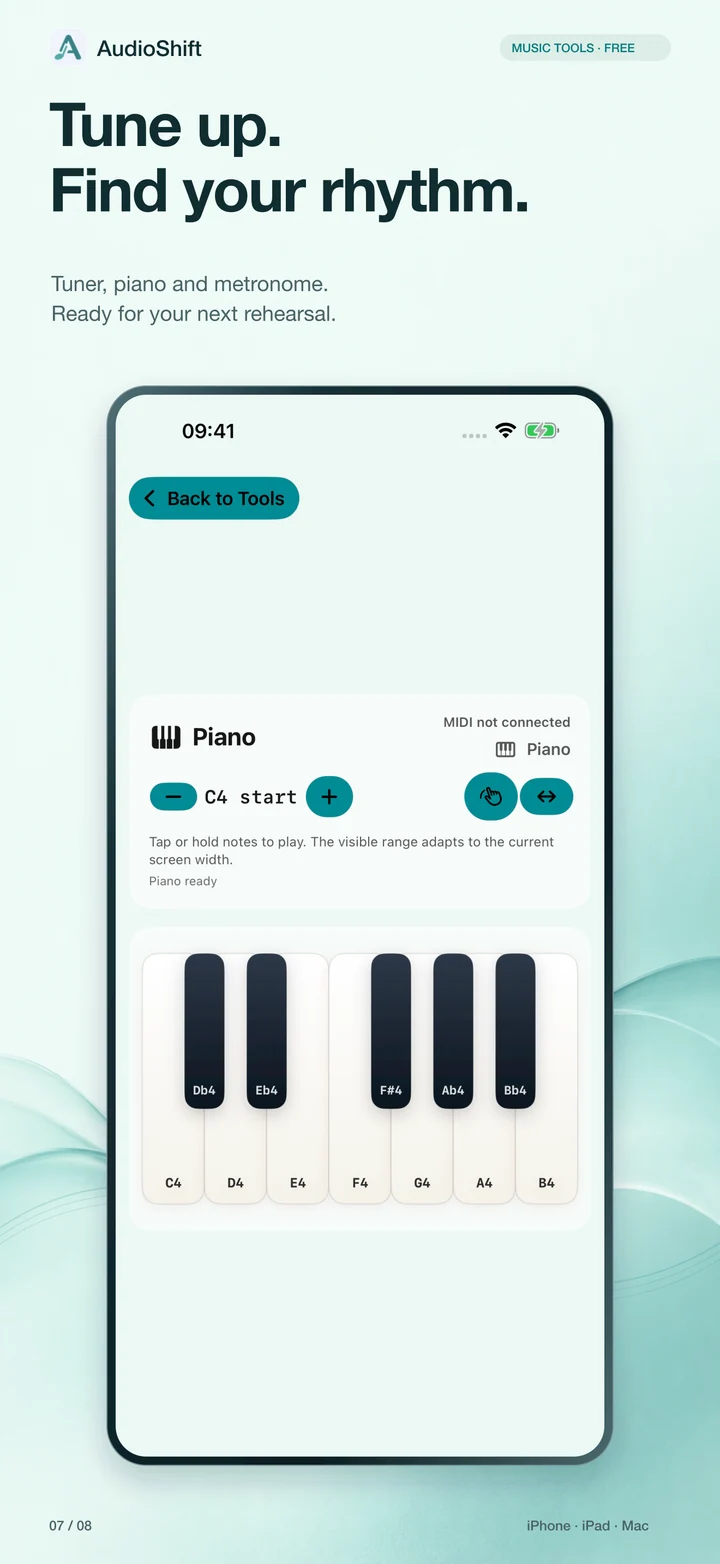
Everyday music tools
Tune up, keep time, or find a starting note with the reference piano.
Select a preview to see it larger. Screens show demonstration projects, not a bundled music library.
And the small things that help. Favourites, practice references, Focus and Element Reduction EQ profiles, and a sound-level meter. Analysis is an estimate; EQ does not separate stems, and the Pro sound meter is not a certified measuring device.
Choose what fits your music
Start simple. Grow from there.
Use the free essentials, or unlock more ways to record and create with an optional Pro subscription.
No subscription needed
AudioShift Free
A practical home for everyday listening and practice.
More space for your music. More ways to make it your own.
Everything in Free, plus up to 10 folders
Song analysis, sound profiles, lyrics & chords
Studio audio and MIDI recording — up to 8 takes
Sampler and compatible instrument imports
Video editor, sound meter and processed audio export
Monthly and yearly options. Current prices and subscription terms are shown in the app before purchase.
Bought AudioShift before the move to free? Eligible earlier owners keep Legacy access to their earlier paid features, including audio recording, analysis and full-song processed audio export. New Pro features are optional. Read the terms.
A good place to start
A few quick answers.
Where does the music come from?
From you. Open audio files from Files or choose a music folder. AudioShift does not provide a streaming catalogue or download songs from streaming services. Use recordings and other material you have the right to use.
Does my audio leave my device?
AudioShift processes playback, recordings and exports on your device; it does not upload them to an analysis service. Files you select from cloud storage, Apple purchases and optional system-model downloads may need an internet connection. You decide what to export and share.
Can I use my MIDI keyboard or audio interface?
With compatible hardware, yes. Studio supports microphone and audio-interface recording; Pro adds MIDI recording and Sampler. Connection options depend on your device, adapter and hardware. AudioShift is available for iPhone, iPad and Mac; check the App Store for system requirements.
Do I need Pro to get started?
No. Local playback, tempo and pitch controls, repeat, manual EQ and the basic music tools are free. You can explore these first, then choose Pro if its recording and creative tools fit your needs.
Questions, ideas, or a little help?
We’d love to hear from you.
Tell us what you’re working on, or what could be easier. Contact AudioShift directly by email.
 AudioShift